
A Face Up simulation is a spoken conversation. A few quick checks save you from surprises once you're in.
The checklist
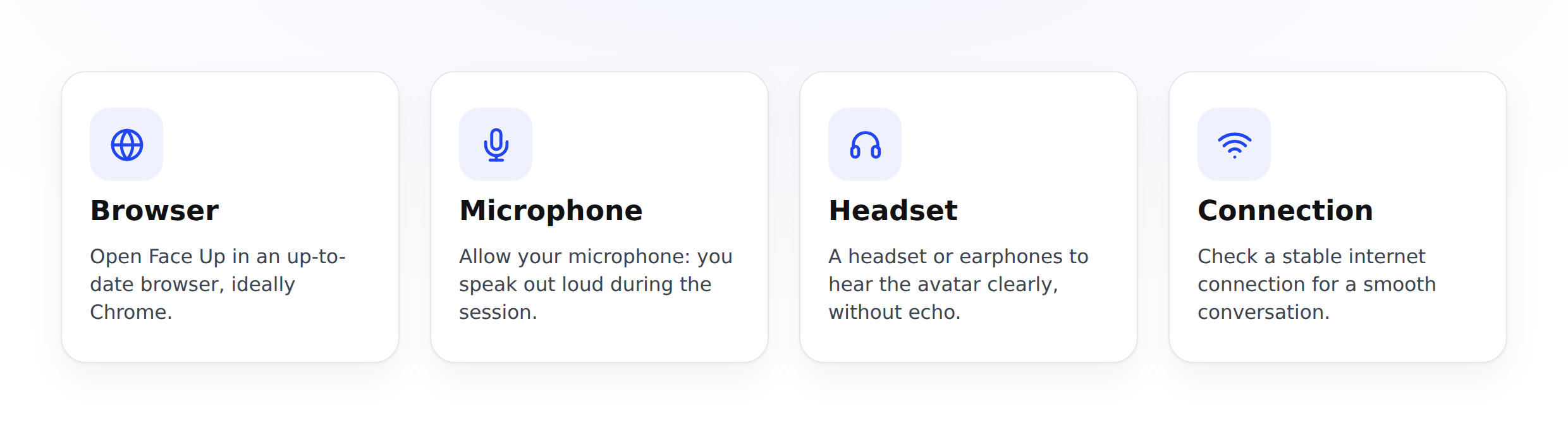
- An up-to-date browser: use a recent version of your usual browser.
- A working mic: a headset with a mic gives the clearest sound and limits echo.
- Sound: check that your speakers or headset are set so you can hear your counterpart.
- A camera: only needed if video is enabled by your organization. If so, plan for good lighting.
- A stable internet connection: ideally good Wi-Fi or wired.
- A quiet spot: so you can speak without being interrupted.
Allow the mic (and camera)
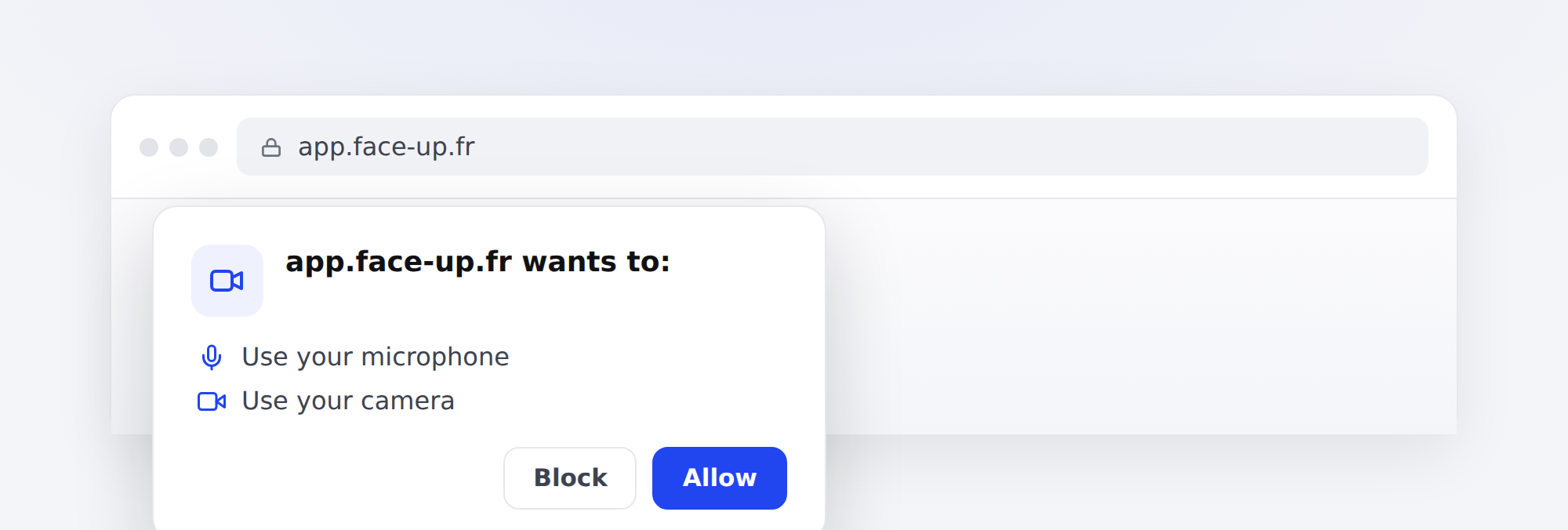
The first time, your browser asks for permission to use your mic (and your camera if video is enabled). Accept: without this permission, the conversation can't start.
One last check just before
Before each simulation, a preparation screen lets you choose your mic, camera and speaker, check that the mic is picking up sound, and test the audio. Take those few seconds: it's the best moment to fix a setting.
Having trouble? See Mic, camera and conversation quality: what to do when it stumbles.