
Two places let you steer your group: an overview, and the settings.
The overview
The group information page brings together, read-only, your organization's name and logo, a few key figures (number of members, number of scenarios, subscription status) and shortcuts to the members, the settings and the sessions.
The settings
The Settings page gathers the options:
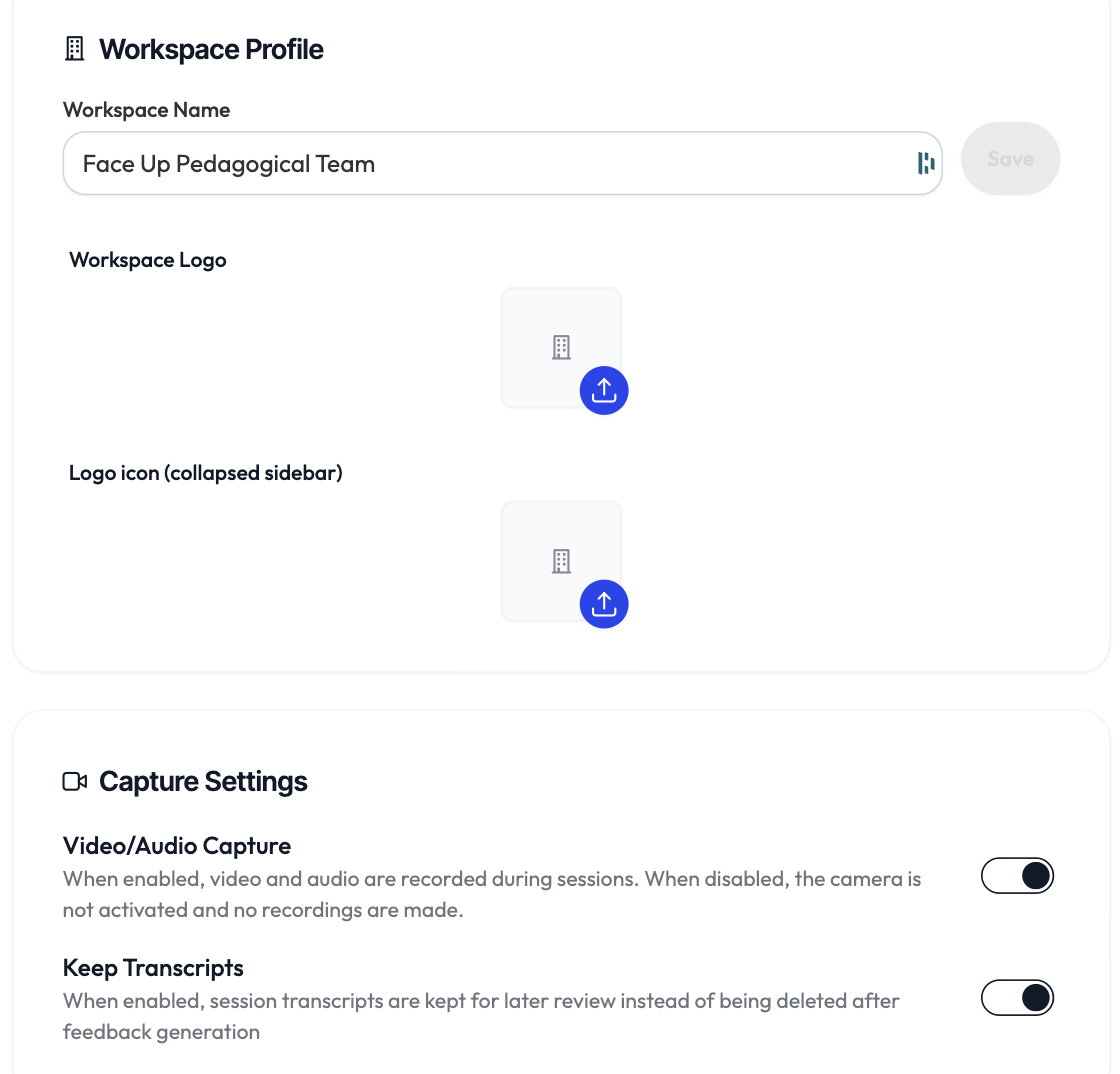
- Group profile: the name and the logo.
- Recording: enable session recording and transcript retention. Every change requires a data protection confirmation (a mandatory checkbox).
- Scenario visibility: show the Face Up library or not.
- Subscription: your subscription status, and the contact to manage it.
Switching your active group
If you belong to several groups, a selector at the bottom of the sidebar lets you move from one to another without reloading the page.