
{{ js_integration_head_start() }} {{ head_elements() }} {{ head_css() }} {{ head_js() }} {{ js_integration_head() }} {{ include_default_custom_css(content.include_default_custom_css, template_meta.include_default_custom_css, domain_settings.include_default_custom_css) }} {{ include_attached_css(content_group.attached_stylesheets or domain_settings.attached_stylesheets, content.enable_domain_stylesheets, template_meta.enable_domain_stylesheets, theme_meta.enable_domain_stylesheets, domain_settings.enable_domain_stylesheets) }} {{ include_attached_css(template_meta.attached_stylesheets, content.enable_layout_stylesheets) }} {{ include_attached_css(content.attached_stylesheets) }} {{ require_attached_js(template_meta.attached_js) }} {% if not suppress_hubdb_hreflang %} {% endif %}
Skip to content
English
  • There are no suggestions because the search field is empty.

Remove a member

When a person leaves the organization or no longer needs access to the group, you remove them from the Members page.
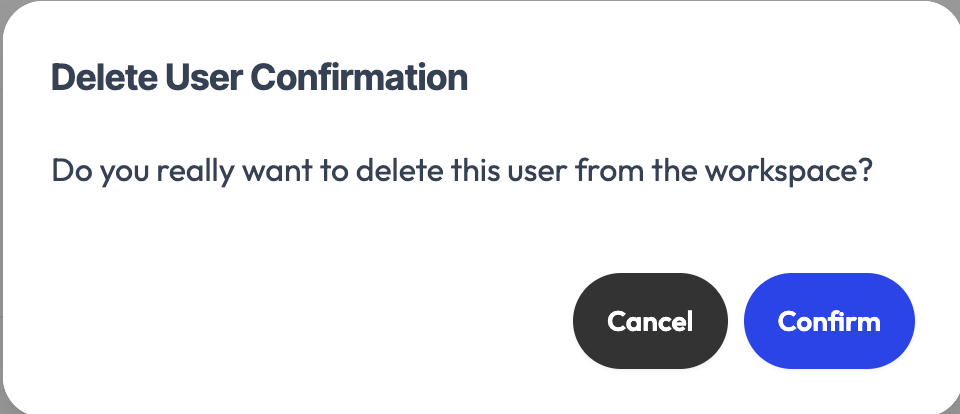
The delete user confirmation

Remove a person

In the members table, use the remove action on the relevant row. A confirmation is asked before you validate. The person then loses access to the group.

Revoke an invitation

A still-pending invitation can be revoked the same way, from the invitations list.

Safety: you can't remove the last admin of a group. Appoint another admin first if needed.