
In Face Up, what you can do depends on your role in the group. There are three roles, and they work like a staircase: each role includes everything the role below does, and adds its own access.
Learner
The learner focuses on training. They see the Train section: the scenario library to launch a simulation, and their session history with their debriefs. It's the default role for an invited member.
Trainer
The trainer is a learner plus the content and monitoring side. On top of everything the learner does, they get access to the Studio to create scenarios (counterpart, setting, debrief settings), and to the Group sessions view to follow learners' activity. They don't manage members, settings or the subscription.
Admin
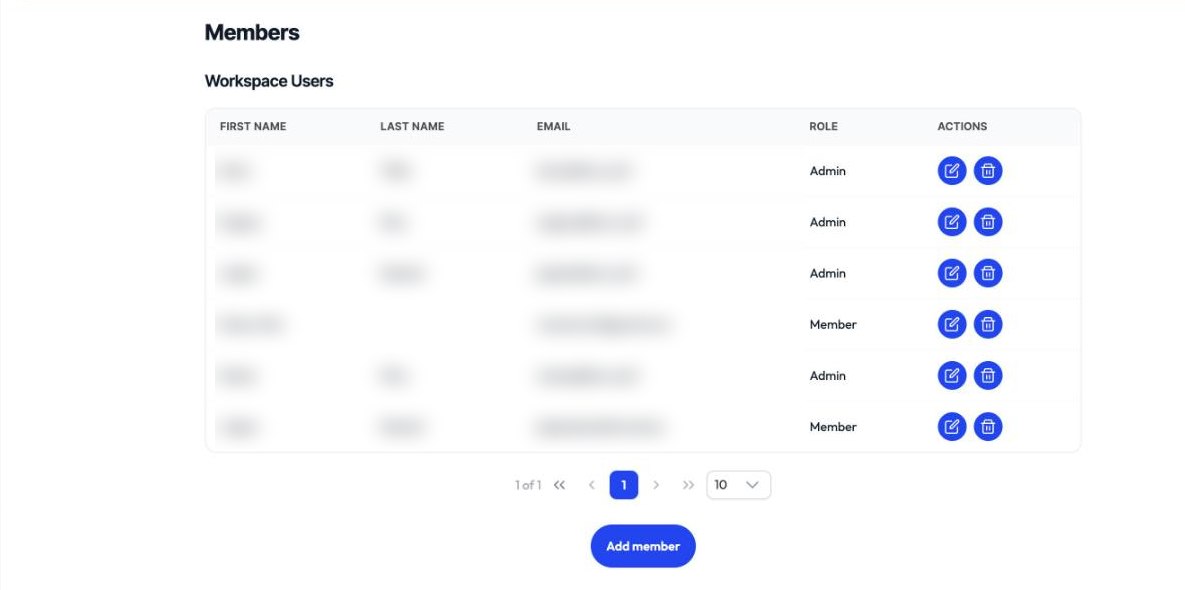
The admin is a trainer plus group management. On top of everything the trainer does, they get access to Manage: group information, members (invite, change roles), settings, and subscription. They are the one who organizes the group.
How do you know your role? Look at your sidebar: the more sections you have (Train, Content, Manage), the higher your role. The Content and Manage sections only appear in an organization group, not in a personal space.