
{{ js_integration_head_start() }} {{ head_elements() }} {{ head_css() }} {{ head_js() }} {{ js_integration_head() }} {{ include_default_custom_css(content.include_default_custom_css, template_meta.include_default_custom_css, domain_settings.include_default_custom_css) }} {{ include_attached_css(content_group.attached_stylesheets or domain_settings.attached_stylesheets, content.enable_domain_stylesheets, template_meta.enable_domain_stylesheets, theme_meta.enable_domain_stylesheets, domain_settings.enable_domain_stylesheets) }} {{ include_attached_css(template_meta.attached_stylesheets, content.enable_layout_stylesheets) }} {{ include_attached_css(content.attached_stylesheets) }} {{ require_attached_js(template_meta.attached_js) }} {% if not suppress_hubdb_hreflang %} {% endif %}
Skip to content
English
  • There are no suggestions because the search field is empty.

Archive or restore a scenario

A scenario that no longer has a purpose can be archived without being lost: it disappears from the current list, and stays recoverable.
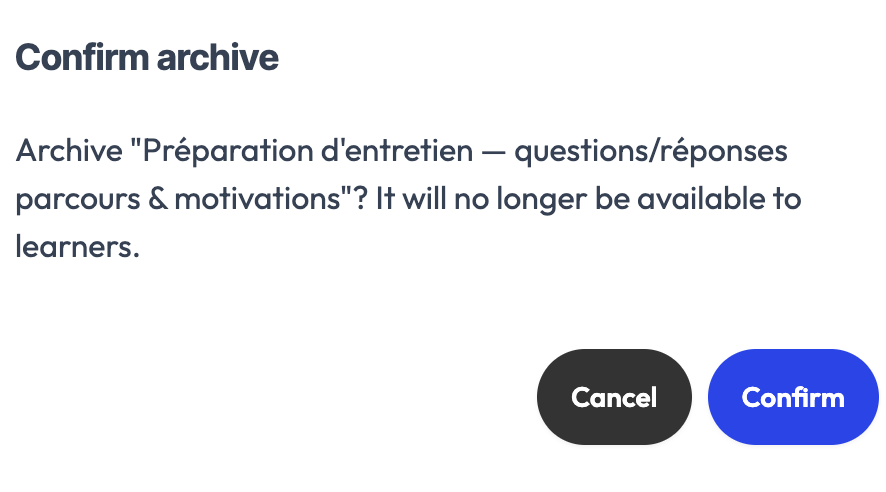
The archive confirmation for a scenario

Archive

From your group's scenarios page, archive a scenario that's no longer useful. It's then removed from the default list, without being deleted.

Restore

An archived scenario can be restored at any time: it reappears in your library, just as it was.

This action is reserved for admins. Trainers don't see archiving.