
It all starts with choosing a scenario. It defines the situation you'll experience and the counterpart you'll be facing.
Browsing the library
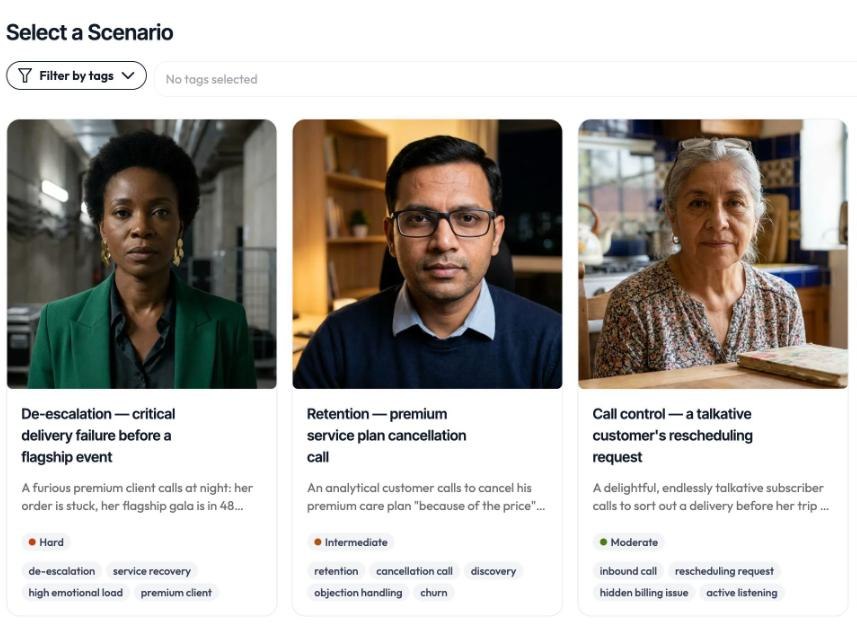
When you open Face Up, your scenario library brings together all the scenarios made available to you by your organization. Each scenario is a specific context, like an interview, a client complaint, or feedback to give. Browse the full list and select a scenario to see its detailed briefing.
What a scenario contains
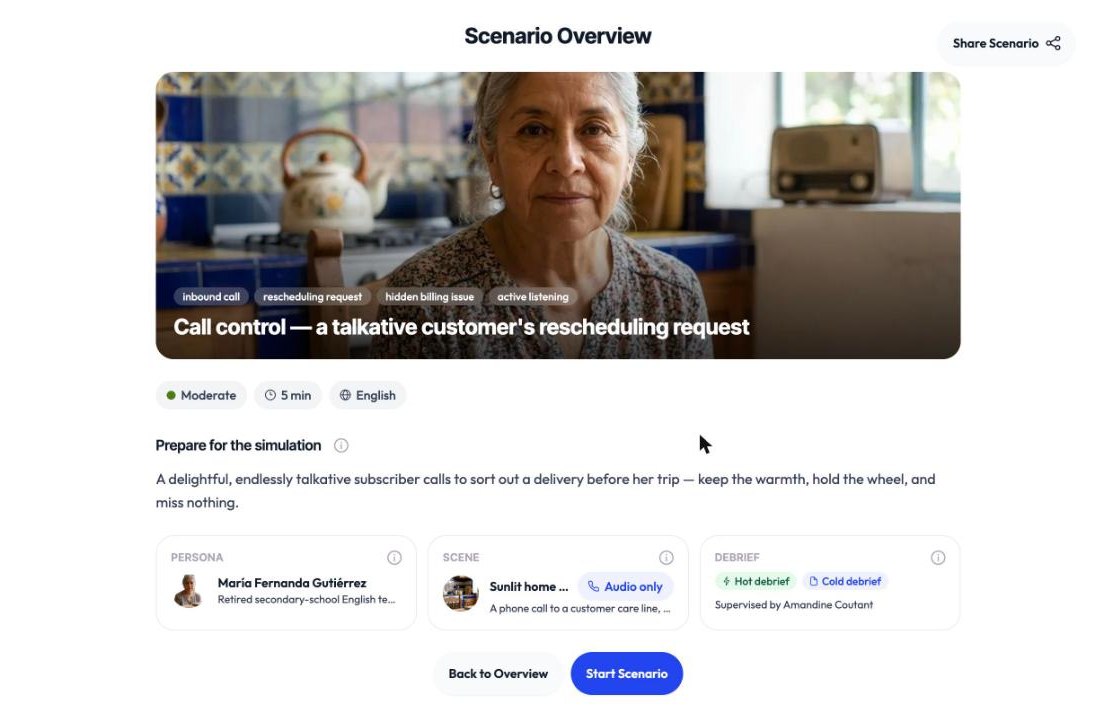
A scenario gives you the essentials before you begin: the situation, your role, the counterpart you'll meet and, often, an indicative duration. Taking the time to read this context helps you understand your role.
Launching the simulation
Once you're ready, you can start the scenario. Face Up then guides you to the technical preparation screen before the conversation begins. See Starting a simulation (allowing mic and camera).