
You don't need a full manual to get started: the essentials of your learner space live in two places.
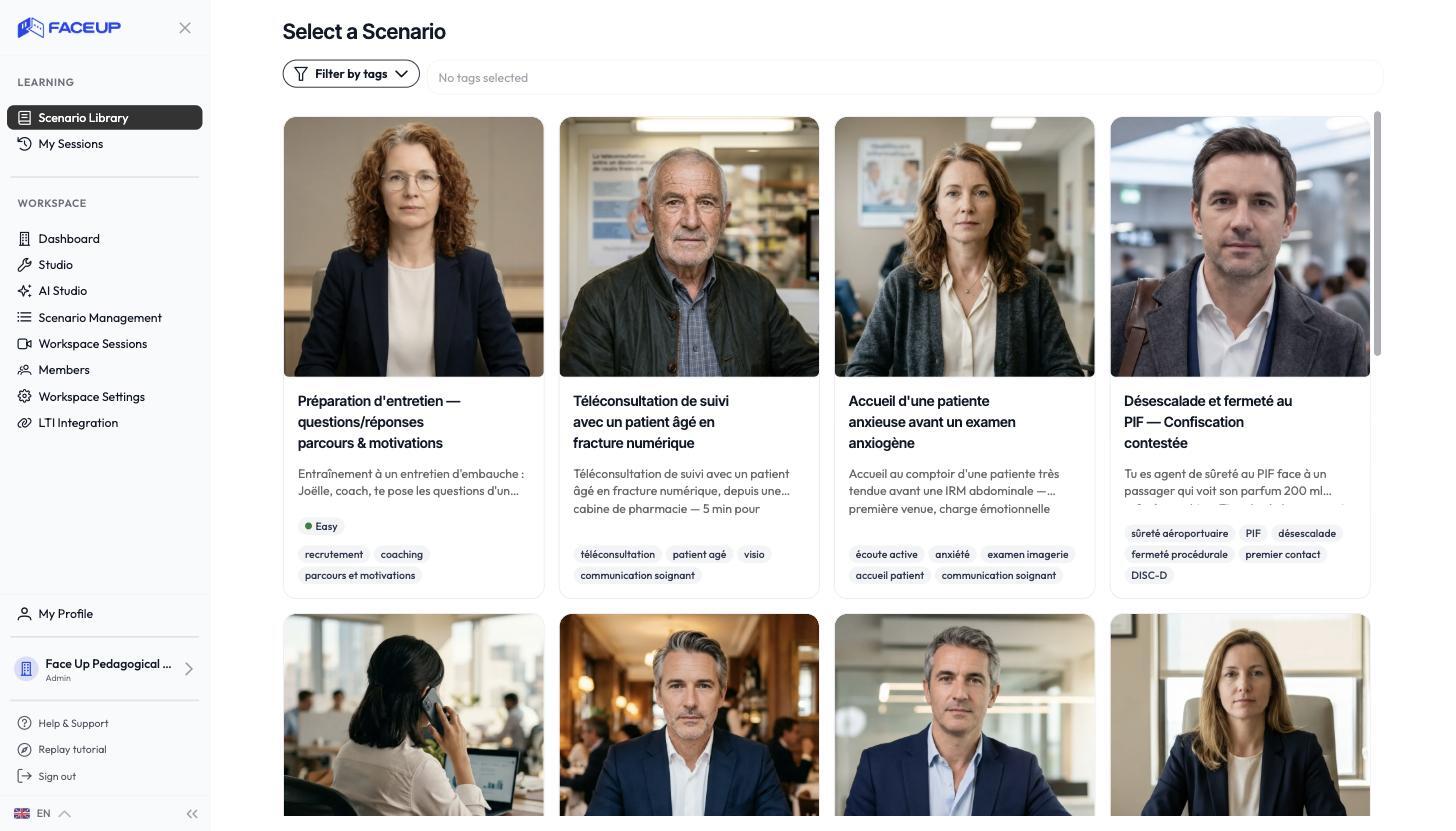
The sidebar
- The scenario library: all the scenarios made available to you. It's your starting point to launch a simulation.
- Session history: the list of your past simulations, where you find every debrief.
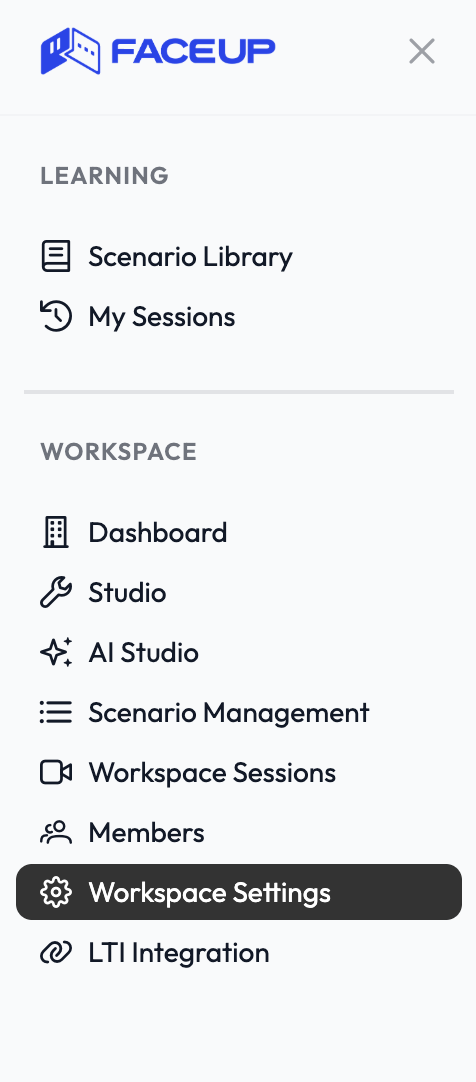
Switching spaces
If you belong to several groups, you can switch between them with a selector. The scenarios and history shown depend on the space you select.
Where are my debriefs?
Each debrief is tied to the simulation that produced it. You reach it right after the simulation, then at any time by reopening the session from your history.